← Back to Blog
How to Make a Photo Talk: Turn Any Picture Into a Talking Video
July 1, 2026 · CraftStory Team
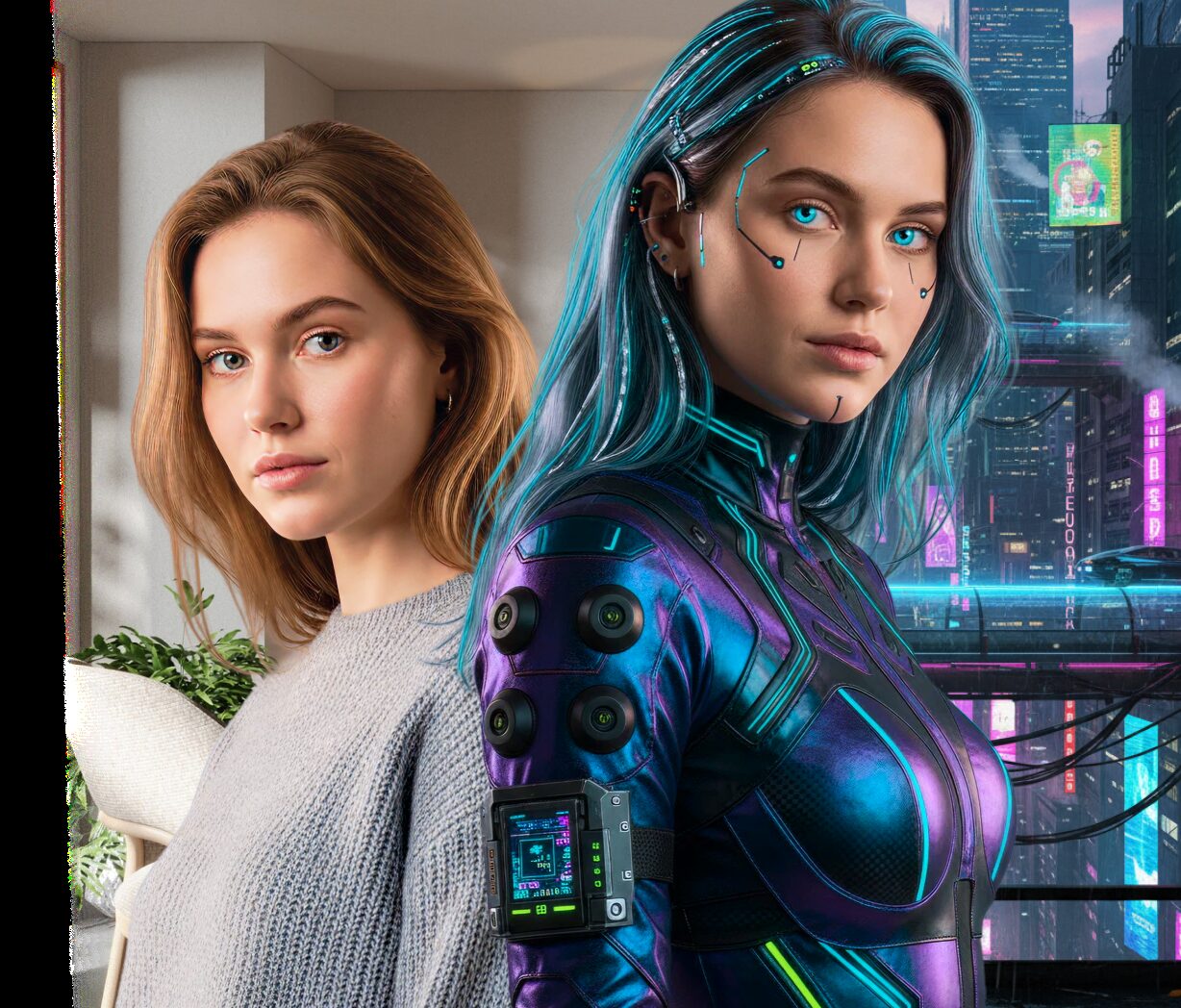
Making a photo talk used to require an animation studio. In 2026 it takes one clear picture, a script, and a few minutes. AI models animate the face in your photo — lips, eyes, head movement, even hand gestures — and sync everything to a voice, so the person in the picture actually speaks your script.
This guide shows exactly how to do it, what kind of photo works best, and what to expect from the result.
What is a talking photo?
A talking photo (also called a talking picture or photo avatar) is a video generated from a single still image. An AI model predicts how the face should move while speaking — lip shapes, blinks, micro-expressions — and renders a video where the person delivers your script with natural motion. Modern models like CraftStory’s Model 2.0 go beyond the face: they animate gestures and keep the person’s identity consistent for videos up to 30 minutes long.
What you need
- One photo. A clear, front-facing shot with a single visible face works best. Phone photos are fine.
- A voice. Either type a script (the AI generates speech in 30+ languages) or upload your own audio recording. On paid plans you can also clone your own voice so the photo speaks as you.
- An account. You can start free at app.craftstory.com — no studio, camera, or editing skills required.
How to make a photo talk in 4 steps
Step 1 — Upload your photo. Sign in to CraftStory, open Model 2.0 (photo-to-video), and upload the picture. The app checks that a face is clearly visible — if the photo has no face or several people, it will ask for a different one.
Step 2 — Add the voice. Paste your script and pick a voice (30+ languages available), or upload an audio file if you already recorded the narration. On paid plans you can clone your own voice — record a short sample once, then reuse it in any video.
Step 3 — Choose the format. Portrait or landscape, 480p or 720p — pick what fits the destination (TikTok, Reels, and Shorts are portrait; YouTube and presentations are landscape). You can upscale the result to 1080p.
Step 4 — Generate and download. Hit generate. The AI animates the photo, syncs the lips to the audio, and adds natural gestures. Download the MP4 and publish it anywhere.
Tips for the best result
- One face, facing the camera. Group photos and profile shots are the most common reason a generation gets rejected.
- Good, even lighting. Shadows across the face reduce realism.
- Neutral expression works best. The AI adds the emotion from the speech; starting from a neutral face gives it the most room.
- Higher-resolution source photos produce sharper videos — but a normal phone photo is enough.
What can you use talking photos for?
- Marketing and UGC-style ads — turn a founder’s or creator’s photo into a spokesperson video and iterate scripts without reshoots.
- Training and onboarding — narrated lessons with a consistent presenter.
- Product demos and explainers — a face makes them more watchable.
- Social content — talking-photo clips consistently outperform static images on TikTok, Reels, and Shorts.
- Personal projects — bring an old family photo to life or make a personalized greeting.
Other tools that make photos talk
CraftStory is built for realism on long clips (up to 30 minutes with identity preserved), but it’s not the only option. HeyGen and Synthesia focus on enterprise avatar video with big template libraries; D-ID popularized short talking-head clips from photos. If you’re comparing platforms, see our honest breakdowns: CraftStory vs HeyGen and CraftStory vs Synthesia.
Want to try it right now? Make any picture speak on the talking photo page, or create a full talking video with the AI video generator — both run on the CraftStory engine described above.
Frequently asked questions
Can I make a photo talk for free?
Yes. CraftStory's free plan includes 100 starter credits you can spend on photo-to-video or AI Actor videos — enough to try it without paying. Paid plans start at $19/mo, and the Producer plan is $34/mo.
How long can the video be?
Up to 30 minutes per video with Model 2.0 — enough for a full product demo or a training lesson, not just a short clip.
What languages are supported?
30+ languages with synced lip movement. On paid plans you can also clone your own voice and use it in your videos.
Does it work with old or low-quality photos?
Usually yes, as long as the face is clearly visible. Sharper source photos give sharper results; you can upscale the final video to 1080p.
Can I use my own voice?
Yes — on paid plans you can record a short sample and CraftStory clones your voice, so every talking photo speaks as you.
Is my photo used to train the AI?
No. Your uploads are used to generate your video, not to train models. See our Responsible AI policy for details.
Make your first photo talk — free.
Try CraftStory Model 2.0 — upload a photo, type a script, get a talking video in minutes. See pricing for plans.