AI talking photo
Make any photo talk. CraftStory turns a single photo into a hyper-realistic talking video — with accurate lip-sync, natural gestures, and expressive emotions — from a script or your own audio, in 30+ languages, up to 30 minutes.
Upload a photo, add a script, and it talks
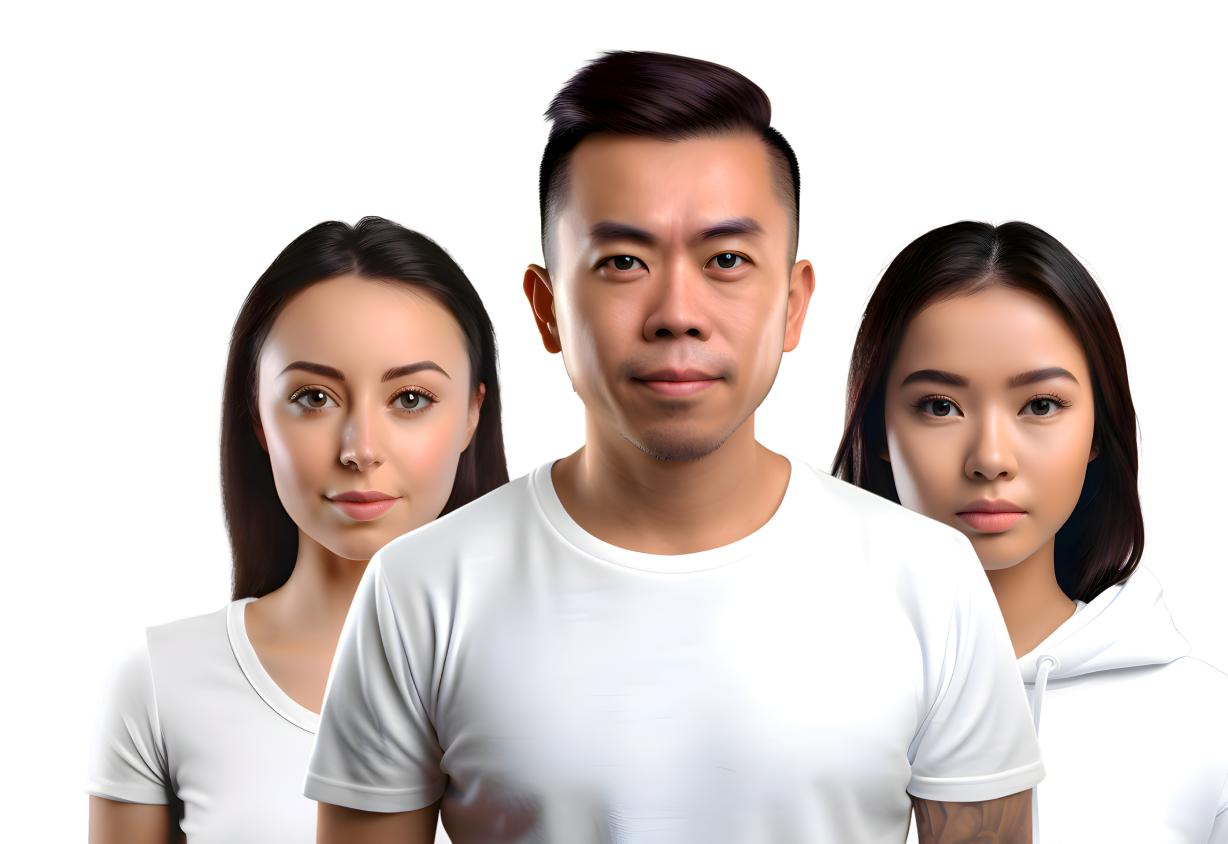
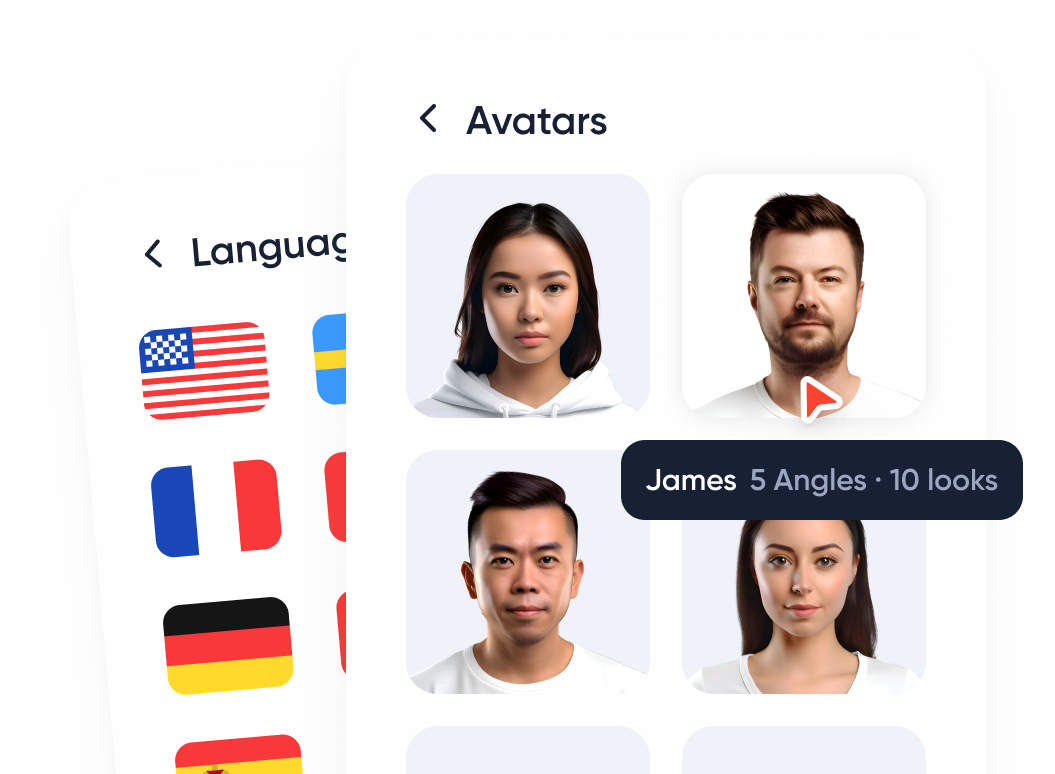
Any photo becomes a talking video
- Upload one photo — a selfie, a portrait, or a character
- Add a script or your own audio
- Realistic lip-sync and gestures, with the face preserved
Share it anywhere
- Vertical or landscape for any platform
- Regenerate with a new script in minutes
- 1080p export with no watermark
Try it for free
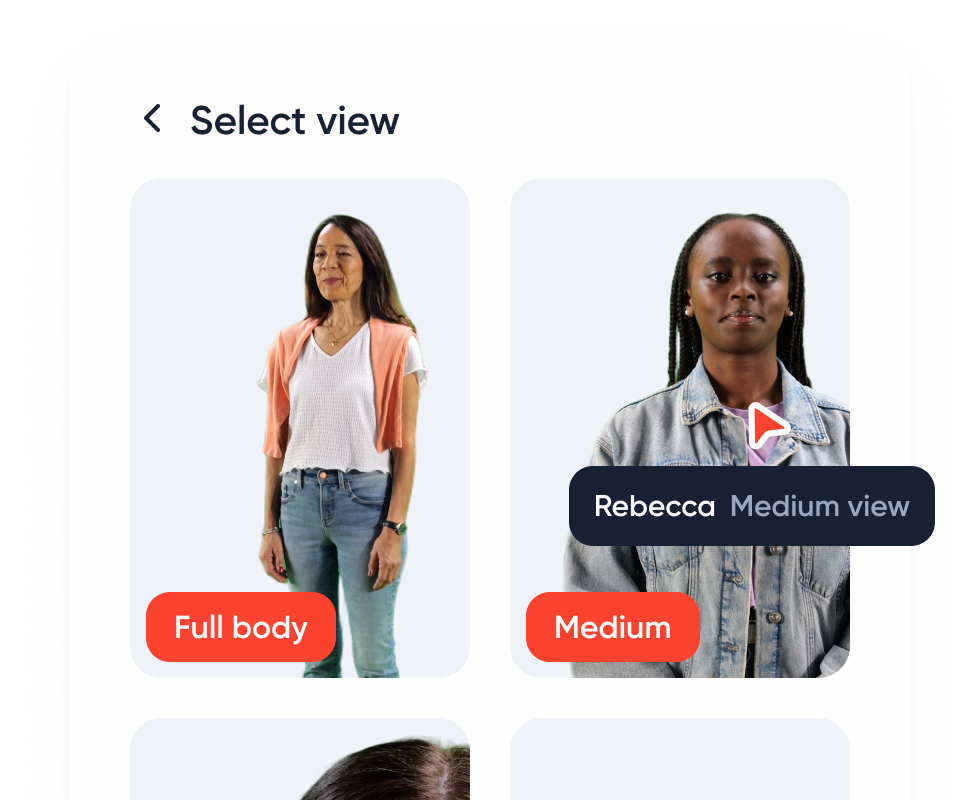
Upload a photo, type a script, and watch it talk.
How to make a photo talk in 3 steps
Making a talking photo takes a few minutes and no recording. Here is the whole process.
1. Upload a photo
Pick a clear, front-facing photo of a person, character or illustration. One image is enough; no video or microphone needed.
2. Add a script or audio
Type what the photo should say and choose a voice in 30+ languages, or upload your own recording so the photo speaks in your voice.
3. Generate and download
CraftStory animates the face with accurate lip-sync, gestures and expressions, up to 30 minutes long. Download the talking video or share it straight to Reels, TikTok or Shorts.
Want the detailed walkthrough with photo tips and voice settings? Read how to make a photo talk.
What you can do with a talking photo
One photo, endless talking videos — for social, content, and connection.
Talking-head social clips
Turn a single portrait into a stream of talking videos for your feed.
Bring characters to life
Make a mascot, illustration, or character speak on brand.
Reels, TikTok & Shorts
Create vertical talking-photo clips ready for every short-form platform.
Personalized messages
Send a talking birthday, thank-you, or announcement from one photo.
Content in your own voice
Upload your audio so the photo speaks in your voice.
Speak 30+ languages
Publish the same talking photo in dozens of languages.
Talking photos that actually look real
Most "talking photo" tools drift and glitch the moment a clip runs past a few seconds. CraftStory, built by the team behind OpenCV, keeps the face consistent with accurate lip-sync and natural gestures across up to 30 minutes — from a single photo and a script or your own audio, in 30+ languages. Prefer a ready-made face? Choose from 100+ AI actors, or build a reusable talking avatar of yourself. Walk through it step by step: how to make a photo talk. Start on the free plan, no card required.
Using talking photos for ad creative? Batch-generate UGC ads with the AI UGC generator — 10 variants from one photo.